When you are running into a problem with Silent Sifter, you can contact our support team for assistance, and we would be glad to help.
Contact us on our website
1. Go to our website at https://vector15.com/
2. Click on the help button at the bottom right of the browser window

This will open a window to provide more information

3. Enter your name, email address, and a description of the issue you are seeing.
4. Add attachments, like a screenshot or the system.log file for Silent Sifter
5. Press Send
Contact us within Silent Sifter itself
1. Launch Silent Sifter
2. Click on the main menu option Help->Report an Issue

3. Fill out a description of the issue you are having in the window that appears

4. Press the 'Next' button
5. Enter your email address
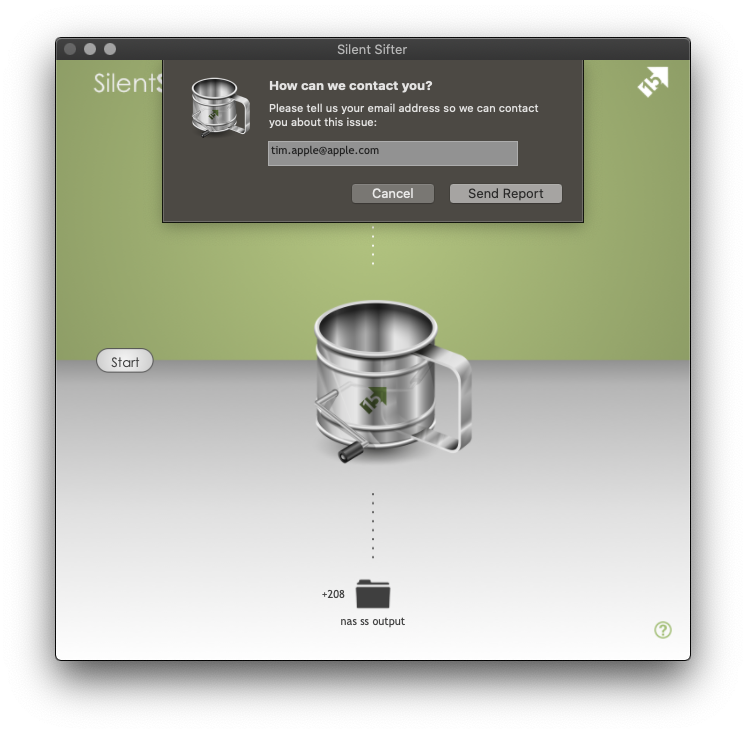
6. Press the Send Report button